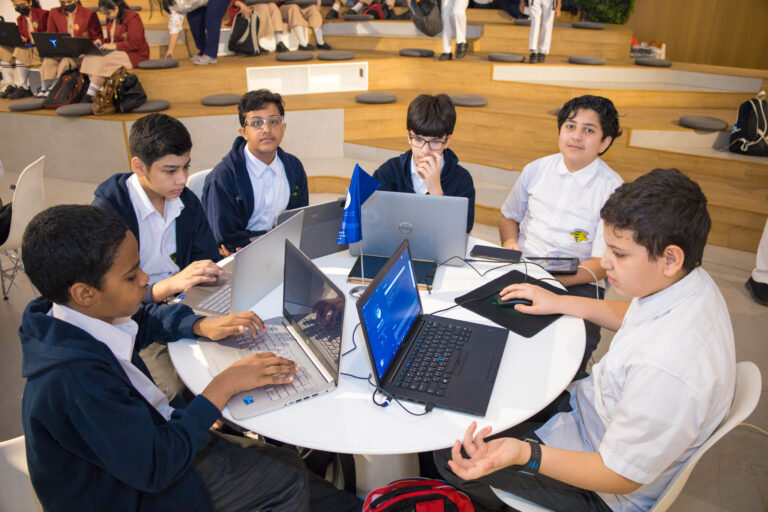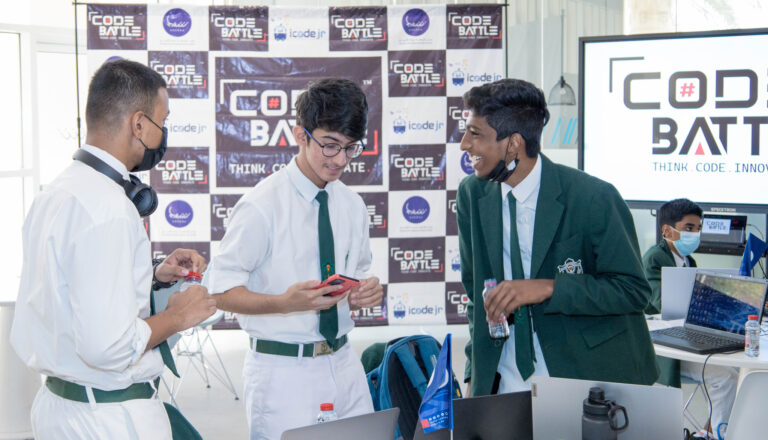
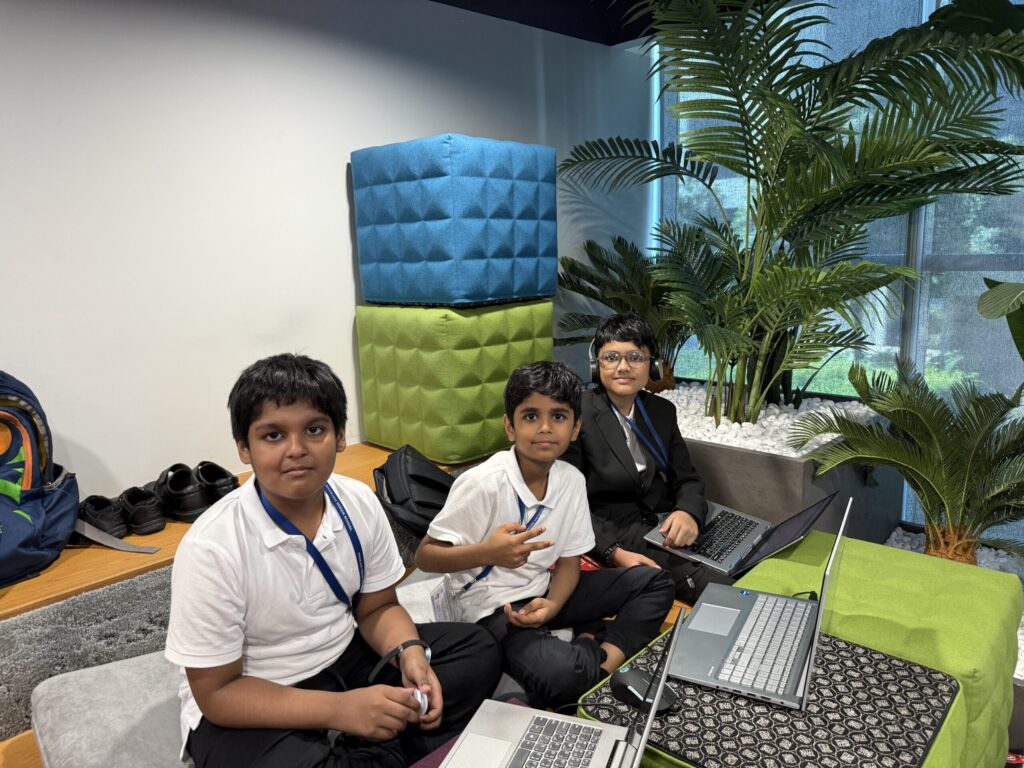
To prepare for a hackathon, practise building small projects against the clock, agree your team roles before the day and rehearse a short pitch. You don’t need to learn a new language. You need to get comfortable finishing something simple in two hours and explaining it in two minutes.
We’ve run Code Battle, the UAE’s free inter-school hackathon, for five seasons. The teams that do well aren’t always the strongest coders. They’re the ones who arrive with a plan. This guide is that plan, written for first-timers and the teachers who bring them. If you’re still working out what a hackathon is, start with our beginner’s guide to hackathons.
What skills do you need for a hackathon?
Less than you’d think. You need to be able to build something basic in your chosen tool without looking up every step. For a Cadet team (Grades 1–4), that might be a Scratch game where a sprite moves, collects points and reaches an ending. For a Colonel team (Grades 9–12), it could be a small web app or a Python program with a simple interface.
The other skills matter just as much:
- Breaking an idea into pieces. A big idea is fine, as long as you can build it one small part at a time.
- Debugging calmly. Something will break, usually at the worst moment.
- Explaining your work. What it does, who it’s for and why you built it that way.
- Working as a team. That means listening as well as typing.
Code Battle judges score code, user interface, creativity, teamwork and presentation. Only one of those five is purely about code, so a team with an average coder and a great presenter can do very well.
What should you expect at your first hackathon?
Expect a long, busy, noisy day. Here’s how a Code Battle event day runs:
| Time | What happens |
|---|---|
| 9:30 AM | Check-in |
| 10:00 AM | Opening ceremony |
| 10:15 AM | Theme reveal |
| 10:30 AM | Coding begins |
| 12:30 PM | Coding ends |
| 1:00 PM | Presentations to the judges |
| 4:00 PM | Awards |
| 5:00 PM | Close |
The theme stays secret until 10:15, so nobody can build anything in advance. Every project is made on-site, inside the two-hour window. After that, each team gives a 2–3 minute pitch, ideally with a live demo, and then answers the judges’ questions.
Expect to feel rushed at around 12:00. Every team does. Expect some waiting in the afternoon, too, while other teams present. It’s a good time to watch how others pitch.
How do I prepare for a hackathon as a first-timer?
Work through these steps in the weeks before the event. None of them takes long on its own.
- Read the rules early. Check your team size, your division, which platforms you can use, and the rules on AI and recycled code. Our guide to hackathon rules for students covers the common ones.
- Agree your roles. A builder, a designer and a presenter is a good starting point. In a team of two, share the design work. Everyone should be able to explain the whole project.
- Pick your tool and stick with it. The month before a hackathon isn’t the time to switch from Scratch to Python. Use what you already know.
- Get your laptops ready. At Code Battle, teams bring their own laptops and chargers. Make sure software is installed, accounts work and nobody’s laptop is due a big update.
- Learn a few building blocks by heart. A score counter, a start screen, a timer, a button that changes the screen. Keep these in your head, not as files to paste in.
- Do at least two timed practice runs. This is the step most teams skip, and it makes the biggest difference.
What should you practise in the weeks before?
Here’s a simple four-week plan. It works for any division, and an hour or two a week is enough.
| When | What to practise |
|---|---|
| 4 weeks out | Rebuild small things from scratch in your tool: a simple game, a quiz, a page with buttons. Get fast at the basics. |
| 3 weeks out | First timed run. Pick a past Code Battle theme and give yourselves two hours. |
| 2 weeks out | Pitch practice. Record a two-minute pitch on a phone and watch it back together. |
| 1 week out | Full rehearsal: new theme, two hours of building, a pitch and a teacher asking judge-style questions. |
| Day before | Charge laptops, pack chargers, sleep. No new features. |
For practice themes, borrow ones we’ve used before. Cadet teams could try “Adventure on Mystery Island”. Captain teams could try “The Ultimate Sports Challenge”. Colonel teams could try “Cybersecurity Challenge”. Ask someone else to pick the theme so it’s a surprise, just like on the day.
Teachers, the full rehearsal is the most useful thing you can run. One afternoon shows students how fast two hours goes, and it’s much better to learn that in your classroom than at 12:15 on the day.
What should you do in the 2 hours?
Plan the clock before you plan the code. This is the split we’d suggest for a 10:30 to 12:30 build window:
| Time | Focus |
|---|---|
| 10:30–10:45 | Agree one idea that fits the theme. Write down the one thing it must do. |
| 10:45–11:30 | Build that one thing. Get it working, even if it looks rough. |
| 11:30 | Checkpoint: does it run from start to finish? If not, cut something now. |
| 11:30–12:00 | Make it usable: a start screen, instructions, colours, sound. |
| 12:00–12:15 | Stop adding features. Fix bugs only. Save a working copy. |
| 12:15–12:30 | Run through the pitch twice, using the real demo. |
The 11:30 checkpoint is where first-time teams most often win or lose the day. Teams that try to build three features usually finish none. A small idea that works from start to finish will beat a big idea that crashes in the middle of the demo.
Save often, and keep a copy of the last version that worked. If a laptop dies at 12:20, a saved copy on a teammate’s machine is the difference between presenting and apologising.
How should a team handle problems on the day?
Something will go wrong. A sprite won’t move, a page won’t load, a laptop restarts. The teams that cope best agree a rule beforehand: if one bug takes more than ten minutes, get a second pair of eyes on it or find a way around it.
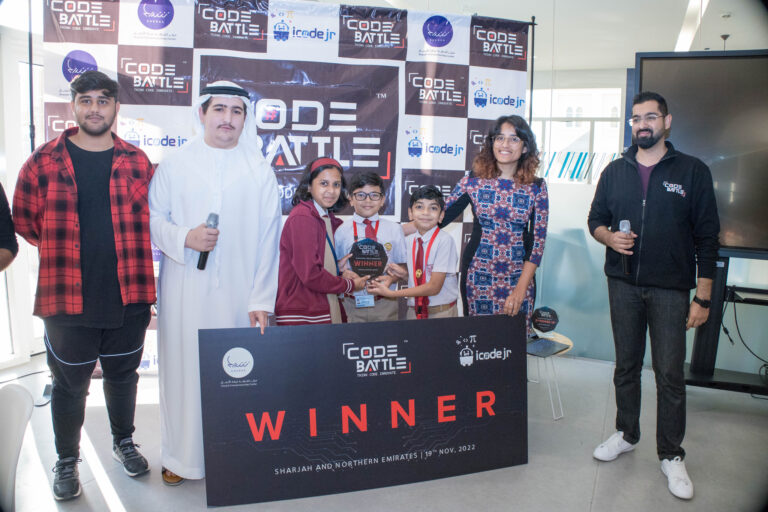
A teacher who brought a team to our 2022 Sharjah chapter described what that looks like:
Code Battle encouraged students to step outside their comfort zones and take on new challenges. Watching them troubleshoot, improve their ideas, and keep going when things didn’t work immediately was a valuable learning experience.
— Shirali Gandhi, Teacher, Leaders Private School
When you’re stuck, it also helps to remember the judges see your finished project, not the bugs you fixed along the way. A simpler version that works is a perfectly good result.
What should you bring on the day?
- Your laptops, fully charged, plus chargers. Teams bring their own.
- Anything you need to log in to the tools you’ll use.
- A rough pitch structure. Our guide to pitching a hackathon project has a two-minute template.
Wi-Fi, water and the event setup are provided at Code Battle. Teachers can come with their teams, and parents are welcome to stay and watch.
How do you enter Code Battle?
Schools usually register teams through the school registration form. Parents can register a team too, as long as all the students are from the same school. Because of venue capacity, there’s usually a limit of two teams per school in each division, confirmed when registration opens.
Dates and the venue for Season 6 (2026) haven’t been announced yet, but schools can register interest now. Keep an eye on our upcoming events page.
Frequently asked questions
How long should I prepare for a hackathon?
Three to four weeks of light practice is plenty for a school hackathon. Two timed practice runs and one pitch rehearsal will help more than weeks of tutorials.
Do I need to know how to code to join a hackathon?
Some coding helps, but you don’t need to be an expert. At Code Battle, Cadet teams (Grades 1–4) use block-based tools such as Scratch, and every team needs a designer and a presenter as well as a builder.
Can I write code before a hackathon?
You can practise as much as you like, but at Code Battle the project itself must be built on-site after the theme is revealed. Any recycled code must be disclosed to the judges.
What should I bring to my first hackathon?
Bring your own laptops and chargers, plus whatever you need to log in to your tools. At Code Battle, Wi-Fi and water are provided.
How many students are in a hackathon team?
It depends on the event. At Code Battle, teams have two or three students from the same school.