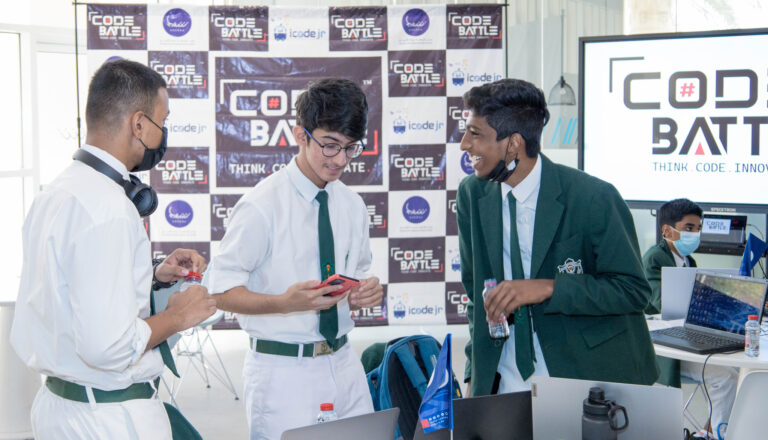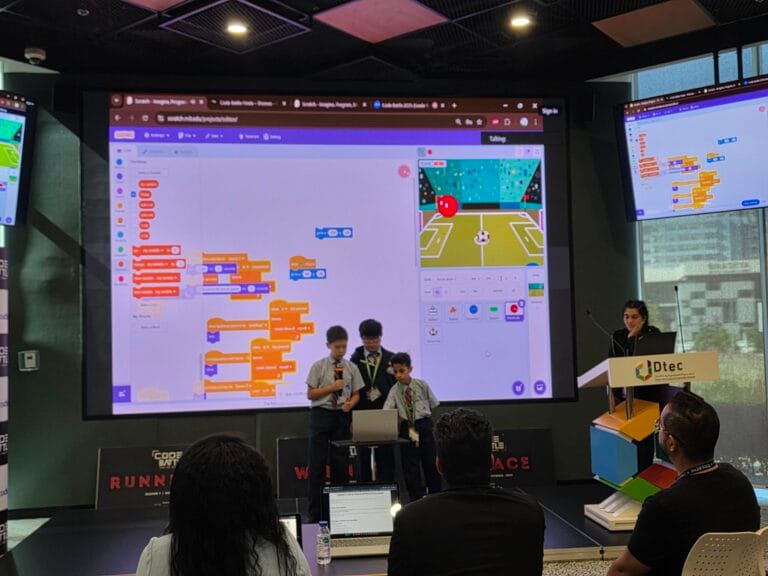
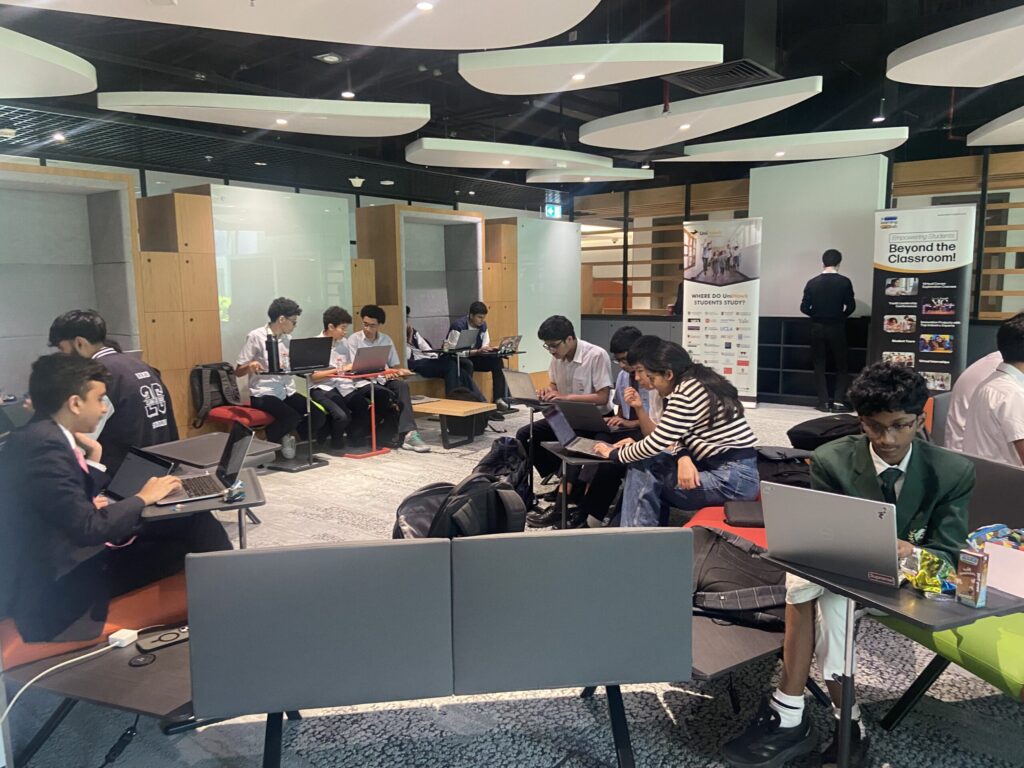
To organise a hackathon at school, you need a date, a room with reliable Wi-Fi, a theme kept secret until the morning, teams of two or three, a short build window, judges with a clear rubric and a plan for the pitches. Start about eight weeks out. Most of the work is in the preparation, and a well-planned event day almost runs itself.
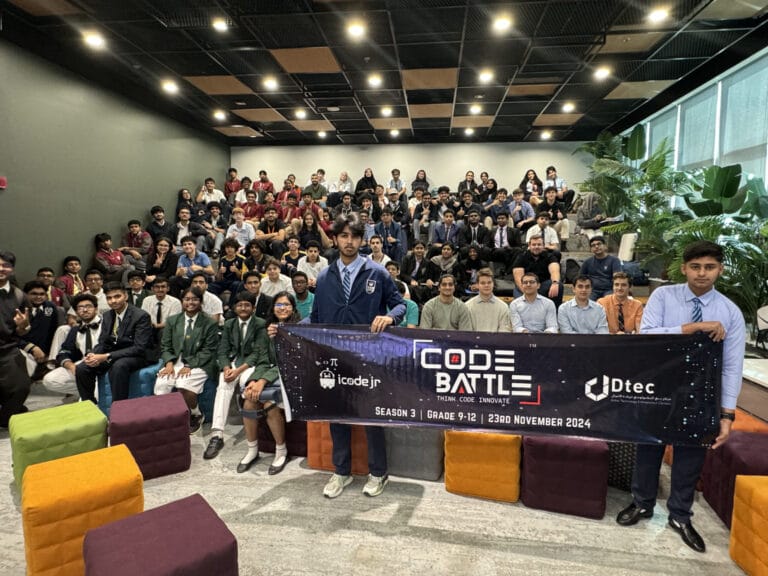
We’ve run Code Battle, the UAE’s free inter-school hackathon, for five seasons. This planning kit is the version we’d hand to a teacher running their first school event, with the timeline, rules, roles and checklist we rely on.
What does a typical school hackathon look like?
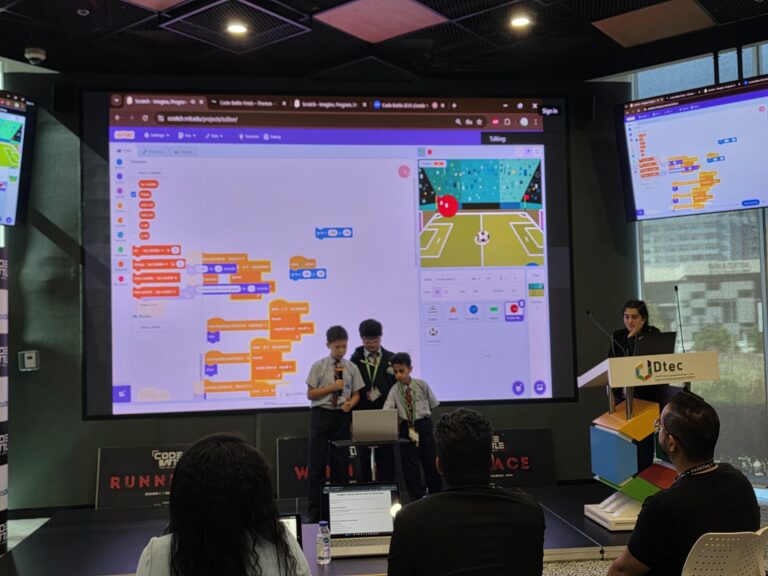
A school hackathon is a one-day event where small teams build a project around a theme, then present it to judges. If you’re new to the format, our guide What is a hackathon? covers the basics. Here is the Code Battle event day, which you can copy or shorten:
| Time | What happens |
|---|---|
| 9:30 | Check-in |
| 10:00 | Opening ceremony |
| 10:15 | Theme reveal |
| 10:30 | Coding begins |
| 12:30 | Coding ends |
| 1:00 | Presentations to the judges |
| 4:00 | Awards |
| 5:00 | Close |
Inside school hours you can compress this. Keep the two-hour build and the pitches, and move the awards to an assembly later in the week if you need to. Don’t cut the build window much below two hours, though. Agreeing on an idea takes students longer than you’d expect.
Group students by age so they compete fairly. In 2026, Code Battle uses four divisions: Cadet (Grades 1–2) and Captain (Grades 3–5) on block-based tools; Colonel (Grades 6–8) on block or text-based code; and General (Grades 9–12) on text-based code only. Your school can use the same split or adapt it to the grades taking part.
What rules should a school hackathon have?
Keep the rules short and send them to students and parents before the day. These are the ones we use at Code Battle:
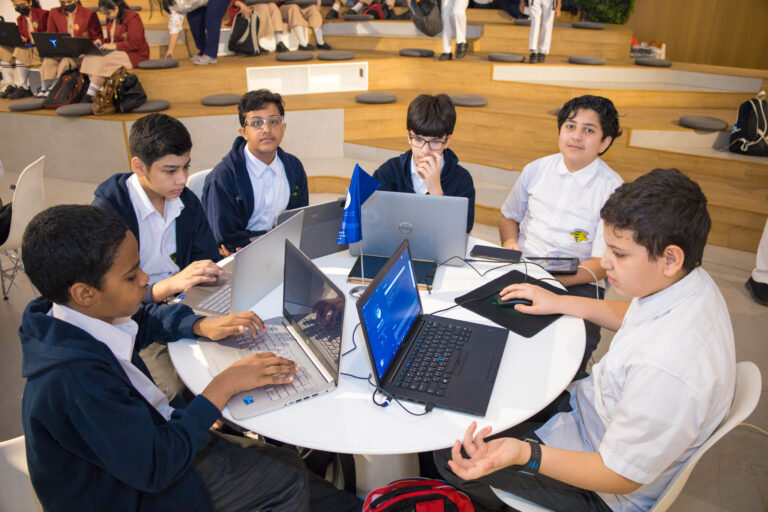
- Teams of 2–3 students. Big enough to share the work, small enough that nobody hides.
- Theme revealed on the day. Every team starts from the same point. In 2022 we revealed two themes and let each team choose one, which works well for mixed-ability groups.
- Built entirely on-site. No finished projects brought from home.
- Recycled code must be disclosed. Reusing a block or function they wrote earlier is fine if they say so.
- AI is allowed with explanation. Students must be able to show and explain how they used it.
- Pitch of 2–3 minutes with a live demo encouraged, followed by judges’ questions.
Our guide to hackathon rules for students explains the reasoning behind each one, which helps when a student asks why.
How far ahead should you start planning?
Eight weeks is comfortable for a single-school event. Here’s a timeline you can adapt:
| When | What to do |
|---|---|
| 8 weeks out | Get sign-off from leadership. Pick a date that avoids exams and school holidays (UAE winter break starts on 14 December in 2026, and Ramadan is expected roughly 7 February to 9 March 2027). Book the room. Decide which grades take part. |
| 6 weeks out | Write the rules and the judging rubric. Invite judges, ideally from outside the computing department. Decide on certificates and prizes. |
| 4 weeks out | Open registration. Send the rules to students and parents. Check which students need to borrow a device. |
| 2 weeks out | Run a short practice round in class or coding club. Choose the theme, plus a backup, and tell as few people as possible. |
| 1 week out | Test the Wi-Fi in the actual room with a full class logged in. Count power sockets and extension leads. Send the schedule and rubric to judges. |
| Day before | Set up tables with team names, test the projector and a visible countdown timer, print scoresheets and certificates. |
| On the day | Follow the schedule. Start the timer exactly on time and give 30, 10 and 5-minute warnings. |
| Day after | Share results and photos (with consent), send certificates, ask teachers and students what to change, and write it all down for next year. |
Who do you need on the organising team?
A small team with clear jobs beats a large team where everyone helps with everything. For one room of teams, you’ll want:
| Role | What they do |
|---|---|
| Lead organiser | Owns the plan, makes the final call on rule questions. |
| Host and timekeeper | Runs the opening, reveals the theme, keeps the clock and calls teams up to pitch. |
| Tech lead | Handles Wi-Fi, logins, projector, and the laptop that won’t connect. |
| Floor helpers | Walk the room, unblock teams with a hint, and never touch the keyboard. |
| Judges (three or more) | Score each team independently with the rubric and ask questions. |
| Welfare and registration | Signs teams in, tracks attendance, looks after water breaks and younger students. |
For judging, we’ve published the five criteria we use and a free 1–5 rubric in Hackathon judging criteria. Use it as it is or change the weights, but fix the scoring before the day.
One thing we’ve learned: floor helpers matter more than you think. A team stuck on one bug for most of the build window often gives up. A quick hint early on keeps them building.
What should be on your hackathon checklist?
- Rules and rubric sent to students, parents and judges
- Final team list, with each team’s division
- Theme and backup theme, sealed until the reveal
- Laptops and chargers (students bring their own, plus a few spares)
- Wi-Fi tested under load, extension leads, power sockets mapped
- Projector, screen and a big countdown timer
- Scoresheets, pens and a quiet room for judges to compare marks
- Water and snacks, with any school food rules checked
- Certificates for every participant, plus trophies or prizes for winners
- Photo consent list
If teams get stuck choosing what to build, our list of hackathon project ideas for students is a good warm-up for practice rounds.
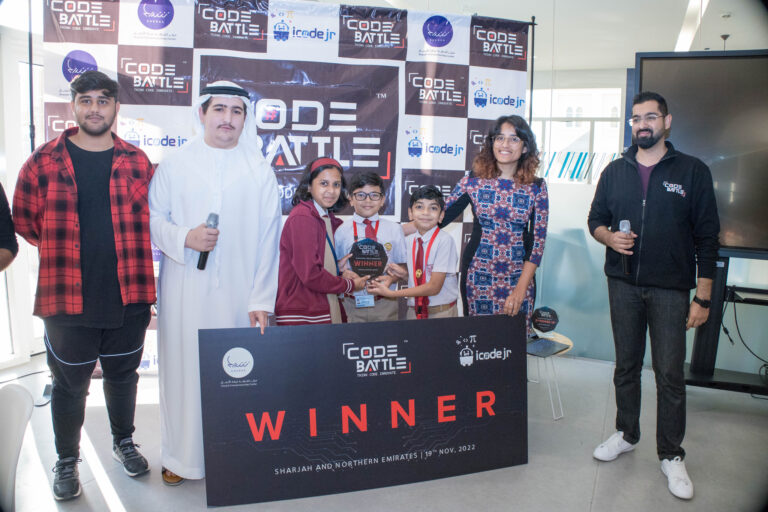
It’s worth the effort. Teachers who brought teams to our Sharjah chapter told us what the format did for their students. One put it like this:
Code Battle gave students an opportunity to take their learning beyond the classroom and experience coding in a practical, competitive setting. Experiences like this make technology education much more engaging and memorable.
— Jaseela Seeyad, Teacher, Indian School Al Ain
Another teacher from the same chapter noticed the balance a good event strikes:
It was inspiring to see how motivated the students were during Code Battle. The hackathon created the right balance of challenge and excitement, encouraging them to push themselves and discover what they were capable of.
— Nafeesa Akther, Teacher, Al Amana Private School
When should a school bring in outside help?
A single-school hackathon for one or two classes is very doable in-house. It gets harder once you invite other schools, move to an external venue, run more than one day, or need independent judges and a sponsor. That’s when our Hackathon-as-a-Service team can take some or all of it off your plate.
iCodejr handles challenge design, promotion and registration, mentors and judges with a rubric, venue and tech, the event day itself, awards and media (digital certificates, photos and video) and an impact report afterwards. We can run it under your school’s brand, co-branded, or as a sponsored category. Formats range from a two-hour sprint to a one-day event, a multi-day hackathon of 24–48 hours, or online and hybrid events. If you’d rather run it yourself, we can also license the Code Battle format: themes, rules, rubric and playbook.
Cost depends on participant numbers, length, venue, and the judges, mentors, prizes and media you need, so we quote after a short discovery call. And if you’d simply like your students to compete against other schools, register your school for Code Battle. It’s free.
Frequently asked questions
How long does it take to organise a school hackathon?
Allow about eight weeks for a single-school event. That covers sign-off, rules, judges, registration, a practice round and a proper tech check.
How many students should be in a hackathon team?
Two or three students per team works well. At Code Battle every team has two or three members, so each person has a clear role.
Can students use AI at a school hackathon?
That’s your call as organiser. At Code Battle AI is allowed, but students must be able to explain how they used it, and recycled code must be disclosed.
Can iCodejr run a hackathon for our school?
Yes. Through Hackathon-as-a-Service, iCodejr can run the whole event or license the Code Battle format to you. Pricing is quoted after a discovery call.