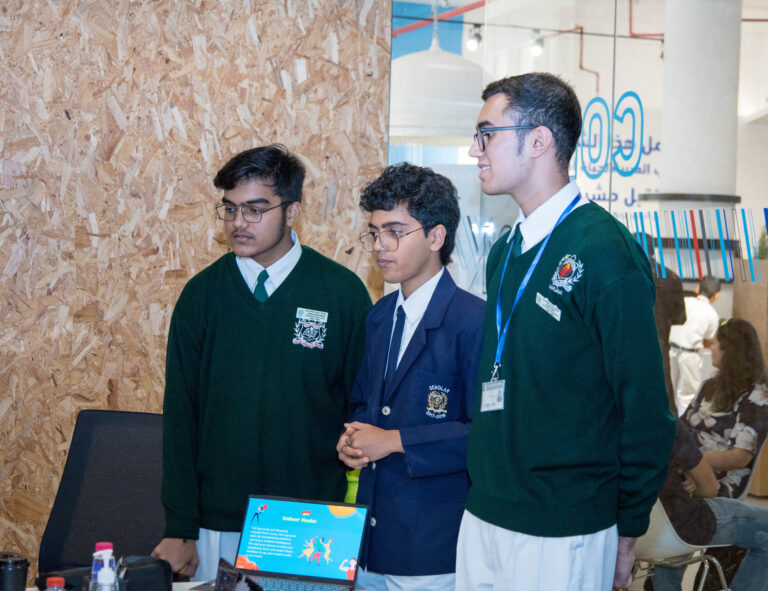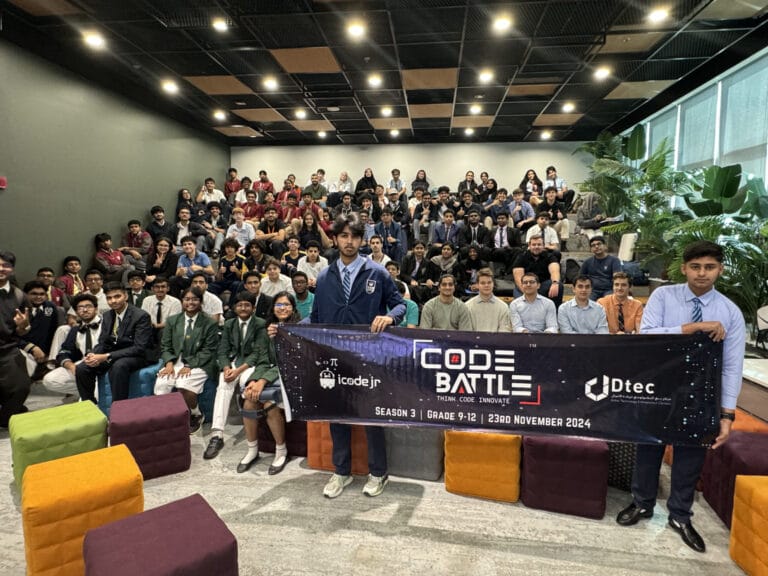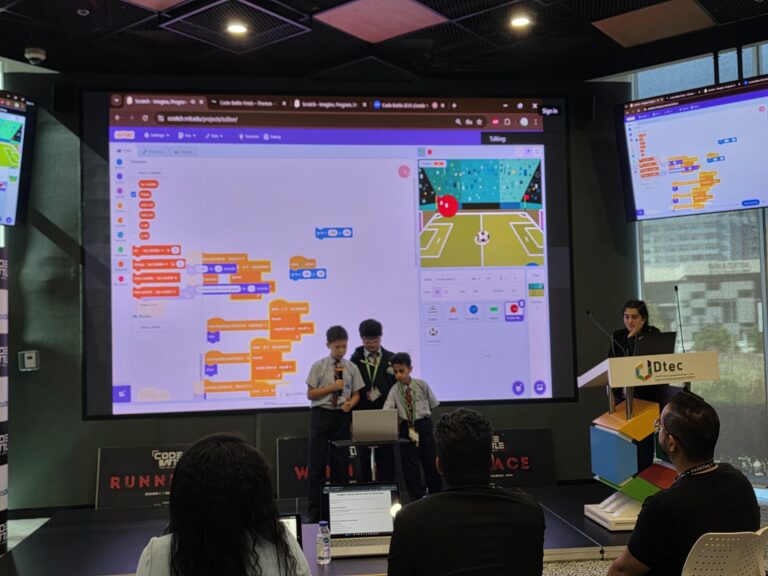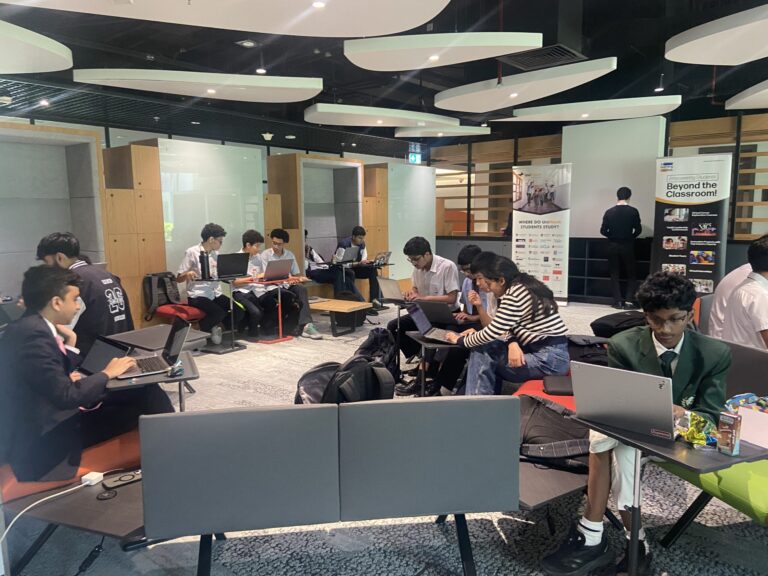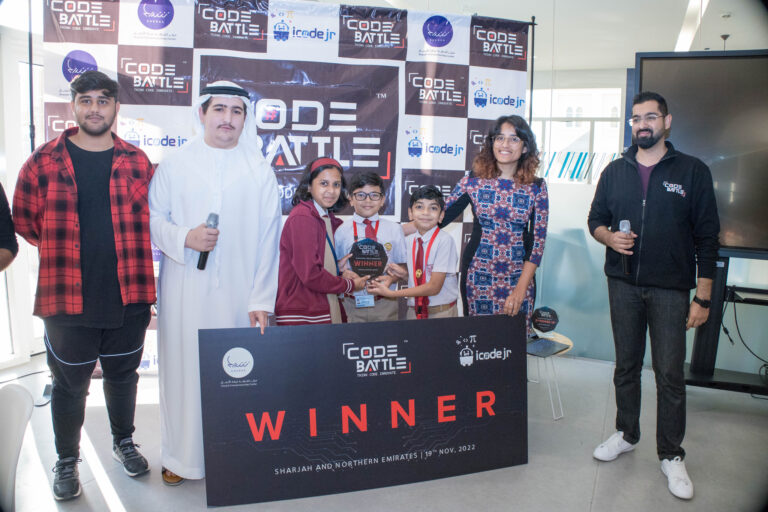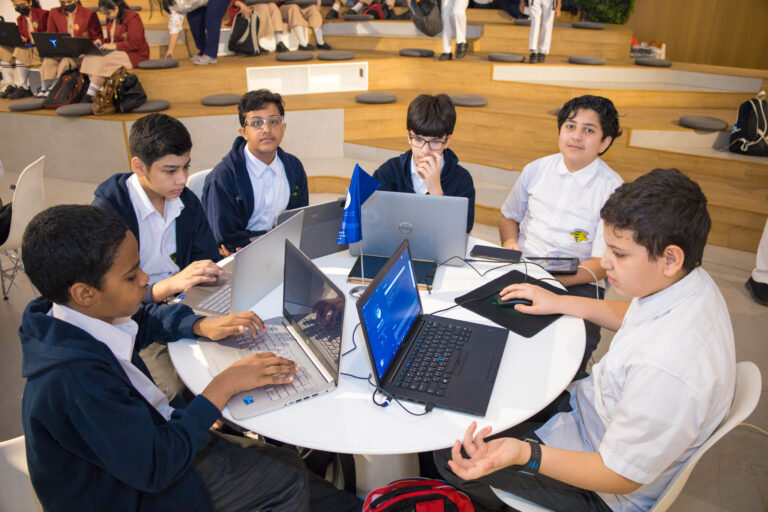
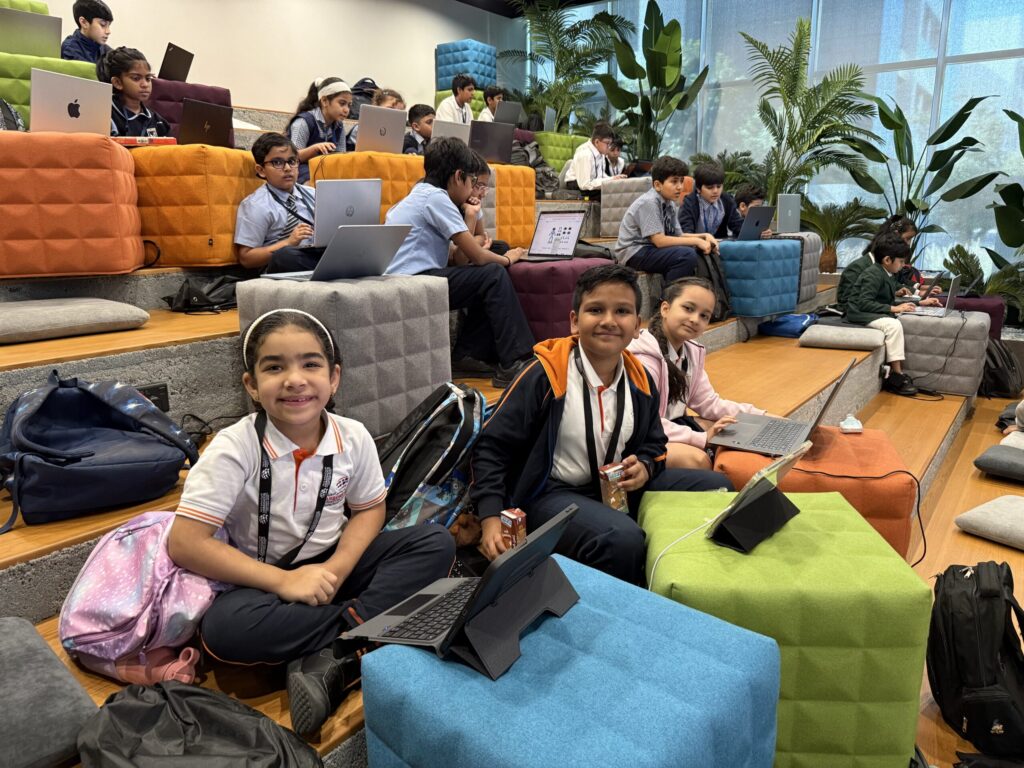
Kids can absolutely take part in hackathons. Student hackathons in the UAE start from Grade 1, so roughly age six, and run through to Grade 12. At Code Battle, children compete in teams of two or three against others of a similar age, build a project in two hours and then show it to a panel of judges.
This guide is for parents. It covers what each age group actually does, how to tell if your child is ready, and how to help without ending up as the fourth member of the team. If you want the basics first, read what a hackathon is.
Is there an age limit for hackathons?
It depends on the event. Many university and company hackathons are for adults, but school hackathons are built for children. Code Battle is open to students in Grades 1 to 12, split into three divisions by grade.
Other UAE events set their own limits. The UAE Hackathon, run by the TDRA, has a “Rising Stars” track for ages 11 to 17. Always check the organiser’s site for the current rules, because age bands and tracks can change from year to year.
What does each age group do at a hackathon?
The format is the same for everyone at Code Battle: a theme revealed on the day, two hours to build, then a 2 to 3 minute pitch with a demo and questions from the judges. What changes is the tool and the size of the idea.
| Division | Grades (approx. ages) | Tools | Typical project |
|---|---|---|---|
| Cadet | Grades 1–4 (about 6–10) | Block-based, e.g. Scratch, Code.org, Thunkable | A simple game, animated story or quiz |
| Captain | Grades 5–8 (about 10–14) | Block-based or text-based | A fuller game, a small website or a simple app |
| Colonel | Grades 9–12 (about 14–17) | Any language or platform | A web or mobile app that tackles a real problem |
Ages 6 to 10: Cadet
Cadet children drag and drop code blocks rather than typing. A typical project is a Scratch game where a character collects items, or a story with buttons and sounds. Past Cadet themes include “The Great Gadget Adventure” and “Adventure on Mystery Island”, so think playful.
At this age, the pitch is often the part children remember most. Standing up and saying “this is our game and here’s how it works” is a big moment for a seven-year-old.
Ages 10 to 14: Captain
Captain teams have more choice. Some stay with Scratch or Thunkable, others write HTML and JavaScript or Python. Themes such as “The Interactive Web Museum” and “The Ultimate Sports Challenge” give them room to build something with several screens or levels.
This is the age where teamwork starts to show. Judges notice when one child did everything and the others watched, and teamwork is one of the scored areas.
Ages 14 to 17: Colonel
Colonel students can use any language or platform, and themes lean towards real problems, such as “AI for Social Good” or “Cybersecurity Challenge”. They can use AI tools, but must be able to explain how they used them. Judges will ask.
Which hackathon is best for beginners?
For a first try, pick a short, school-level event with age divisions and block-based options for younger children. Code Battle was designed with that in mind. It’s free for schools and students, it fits into a single day, and every participant gets a certificate whether or not their team places.
If your child is more drawn to building robots than writing code, FIRST LEGO League UAE is a robotics competition worth looking at. We’ve put together a wider list of student coding and STEM competitions in the UAE with notes on which suits which age.
How do you know if your child is ready for a hackathon?
There’s no test to pass. In our experience, children do well at their first hackathon when most of these are true:
- They can build a small project on their own, even a simple one, in Scratch or whatever tool they use at school or in class.
- They can stay focused on one task for an hour or so with short breaks.
- They can explain what they made to someone else, in their own words.
- They can cope when something breaks, maybe with a groan, then try again.
- They actually want to go. A reluctant child in a two-hour build is a long two hours for the whole team.
That fourth point matters more than coding skill. Things will go wrong on the day; they always do. A teacher who brought a team to our Sharjah chapter described it well:
Code Battle encouraged students to step outside their comfort zones and take on new challenges. Watching them troubleshoot, improve their ideas, and keep going when things didn’t work immediately was a valuable learning experience.
— Shirali Gandhi, Teacher, Leaders Private School
How can parents help without taking over?
Your job is the support crew, not the build team. Code Battle projects must be built entirely on-site by the students, so any help that counts has to happen before the day, and it should be about practice, not answers.
In the weeks before
- Be the audience. Ask your child to demo whatever they’re building and pitch it to you in two minutes.
- Ask judge-style questions. “Who is this for?” and “What would you add next?” are good ones.
- Run a timed practice. Give them a made-up theme and set a two-hour timer. Resist the urge to fix bugs for them.
- Help with logistics. Make sure the laptop works, the charger is packed and any software they need is installed.
Our step-by-step guide on how to prepare for a hackathon has a practice plan you can follow at home.
On the day
Teams bring their own laptops and chargers, and Wi-Fi and water are provided. Teachers may accompany their teams, and parents are welcome to stay and watch. The day runs from check-in at 9:30 to the close at 5:00, so a packed snack doesn’t hurt.
Watching is the hard part. Let the team argue a little, get stuck, and find their own way out. The children who get the most from the day are the ones who solved something themselves, even something small.
Afterwards
Skip “did you win?” as the first question. Ask what they built, what broke, and what they’d do differently. Then let them show you the project again, because they’ll want to.
It was inspiring to see how motivated the students were during Code Battle. The hackathon created the right balance of challenge and excitement, encouraging them to push themselves and discover what they were capable of.
— Nafeesa Akther, Teacher, Al Amana Private School
How does my child sign up for Code Battle?
Schools usually register teams through the school registration form. Parents can register a team too, as long as all the students are from the same school. Because of venue capacity, there’s usually a limit of two teams per school in each division, and limits are confirmed when registration opens.
Season 6 (2026) dates and venue haven’t been announced yet. Schools can register interest now, and you can keep an eye on upcoming events for updates.
Frequently asked questions
What age can kids start doing hackathons?
Some school hackathons start from Grade 1, around age six. Code Battle runs divisions for Grades 1 to 4, 5 to 8 and 9 to 12.
Does my child need to know how to code?
A little experience helps, but younger children use block-based tools such as Scratch, where code is dragged and dropped. Being able to explain the project matters as much as the code.
Can parents stay and watch a kids hackathon?
At Code Battle, yes. Parents are welcome to stay and watch, and teachers may accompany their teams, but the project must be built by the students on-site.
What should my child bring to Code Battle?
A laptop and charger for the team. Wi-Fi and water are provided, and it’s worth checking the event details for anything else.
Is Code Battle free?
Yes. Code Battle is free for schools and students, and every participant receives a certificate.