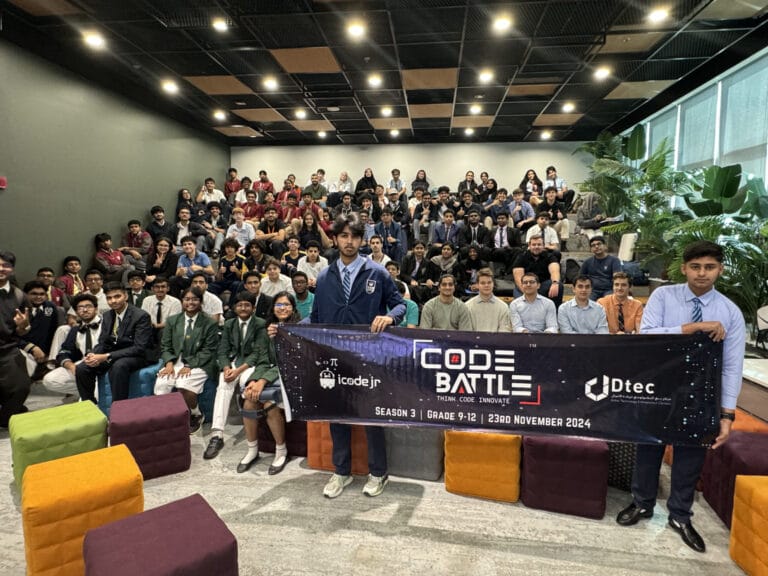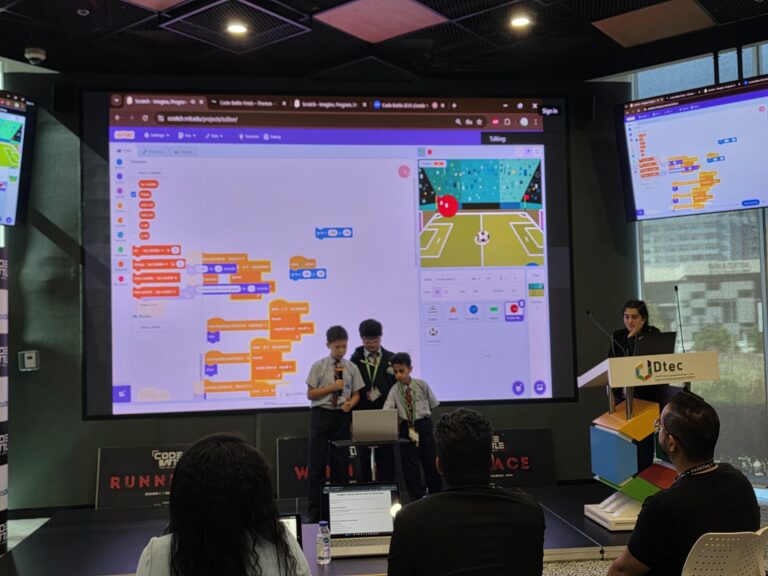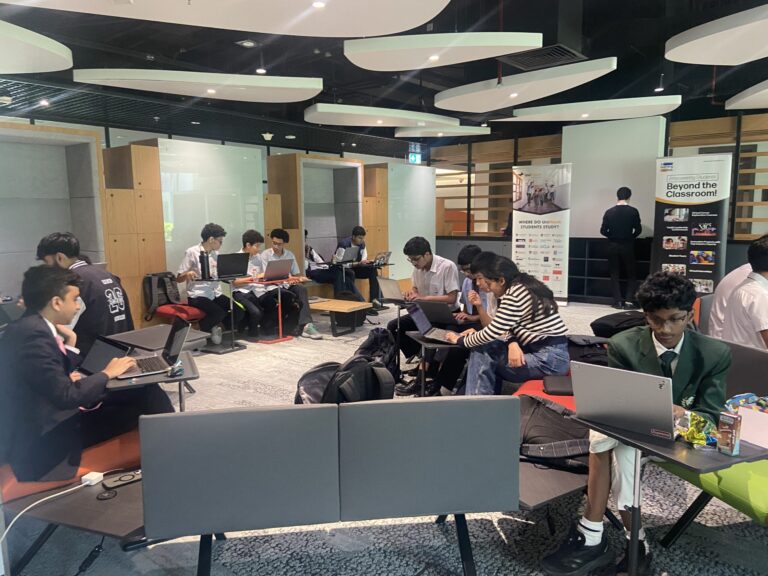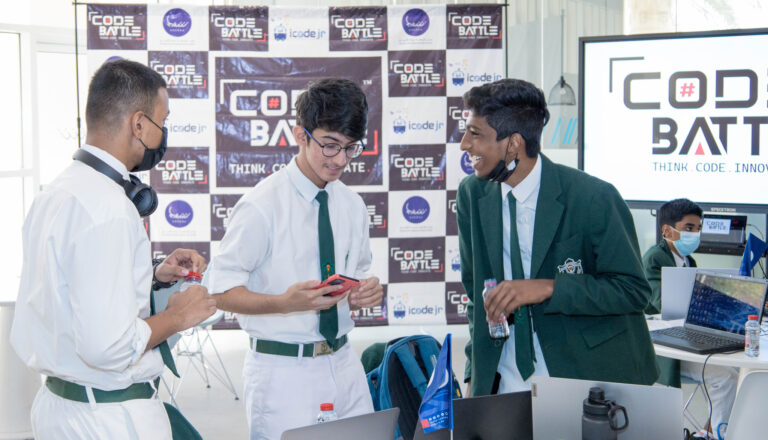
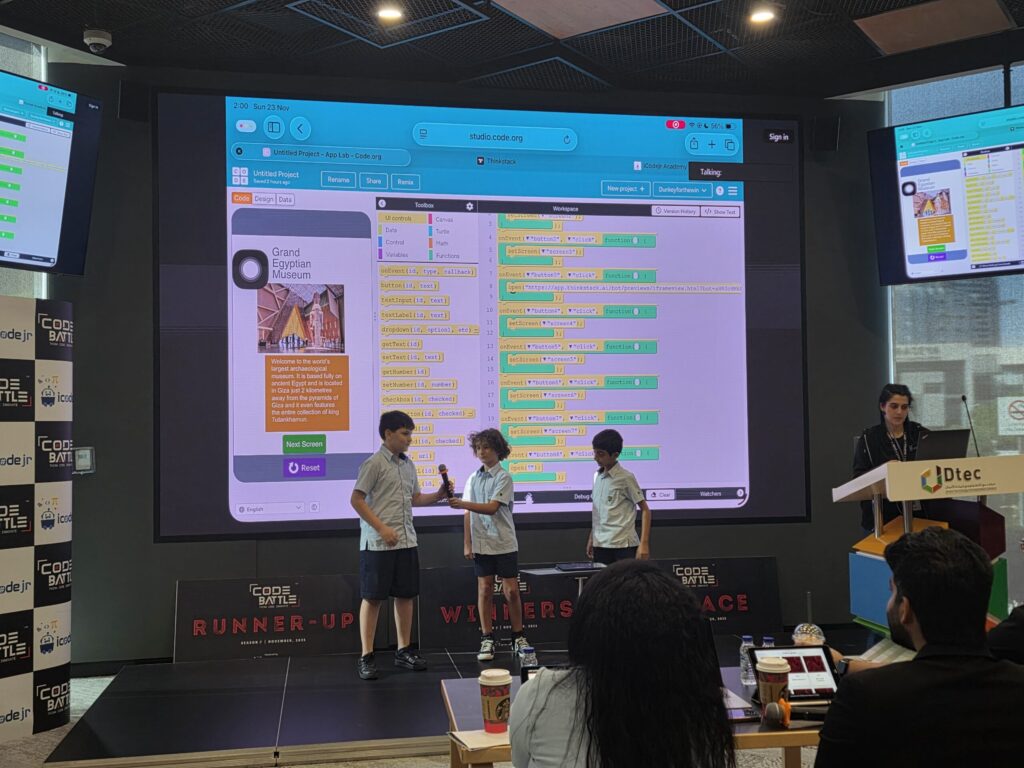
Yes, you can usually use ChatGPT and other AI tools at a student hackathon, as long as the event’s rules allow it and you can explain exactly what the AI did. At Code Battle, AI is allowed with one condition: every team must be able to explain how they used it.
That rule sounds simple. In practice it changes how you should use AI on the day. Below is how we think about it after five seasons of running Code Battle, what our judges look for, and how to talk about AI in your pitch honestly.
Is AI allowed in hackathons?
It depends on the event. Some hackathons ban AI tools completely, some allow anything, and many sit in the middle with rules about disclosure. Read the rules before the day. If they’re unclear, ask the organisers in advance, not halfway through the build.
At Code Battle, three technical rules decide how AI fits in:
- Projects are built entirely on-site. The theme is revealed on the day, and the work happens in the two-hour window.
- AI use is allowed with explanation. Students must be able to explain how they used it.
- Recycled code must be disclosed. If you didn’t write it during the event, say so.
Put together, that makes AI a tool in the room, like a search engine or a tutorial. It isn’t a fourth team member who does the work while you watch. For more on the rest of the rulebook, see our guide to hackathon rules for students.
Why does Code Battle allow AI at all?
Because students already use it, and we’d rather see them use it openly and well than pretend it doesn’t exist. Knowing when to ask an AI for help, and when to switch it off and think, is a skill worth practising.
AI is also something students build with, not only something they build alongside. Our 2024 season was an AI and machine learning edition, and “AI for Social Good” is one of the Colonel themes we’ve used. Banning the tools would make very little sense in that setting.
Which AI is best for hackathons?
The best AI tool for a hackathon is the one you’ve already practised with and your event allows. The day itself isn’t the moment to try something new. General chat assistants such as ChatGPT, Gemini, Claude or Copilot can all explain errors, suggest ideas and write small pieces of code. Text-based Colonel teams may also use an assistant built into their code editor.
For Cadet teams (Grades 1–4) working in block-based tools such as Scratch, AI is less useful for the building itself, because there’s no typed code to paste. It can still help an adult and a child brainstorm ideas. Many AI tools set a minimum age in their terms of use, so younger students should only use them with a teacher or parent, and within their school’s policy.
What matters more than the tool is how you use it. Here’s the difference we see between helpful and risky use:
| Task | Helpful use | Risky use |
|---|---|---|
| Ideas | Ask for ten ideas on the theme, then pick one and change it to make it yours | Taking the first idea it gives you, which other teams may get too |
| Debugging | Paste an error message and ask what it means | Accepting a fix nobody in the team can explain |
| Code | Ask for one small function, read it line by line, then adapt it | Asking for the whole app in one prompt |
| Design | Ask for colour or layout suggestions for your screens | Letting it choose everything, so the project has no personality |
| Pitch | Ask it to play a judge and question you | Reading out a script it wrote for you |
How do you use AI well in a 2-hour hackathon?
Two hours is short. AI can save you time, and it can also eat your whole build window if you keep re-prompting for something that’s almost right. These habits keep it useful:
- Agree the idea as a team first. Then bring in AI to help build it. The idea should come from you.
- Ask small questions. “Why does this loop never stop?” gets a better answer than “Make my game work.”
- Read every line before you use it. If nobody in the team can say what a line does, don’t keep it yet.
- Test straight away. Run the project after every change, so you know which change broke it.
- Keep a short AI log. One line each time: which tool, what you asked, what you kept. It takes seconds and it’s gold when the judges ask questions.
- Set a three-prompt limit. If three tries haven’t fixed something, step back and make the feature simpler.
What do judges look for when a team has used AI?
Code Battle judges are industry professionals and academics. They score the same five things for every team, with or without AI: code, user interface, creativity, teamwork and presentation. You can read how each one works in our guide to hackathon judging criteria.
What AI changes is the questions. After your pitch, expect a judge to ask something like:
- “Which part of this did the AI write?”
- “What would happen if you changed this number?”
- “What did you change from the AI’s first suggestion?”
- “Why did you build it this way?”
A team that can say, “We asked AI for the scoring code, then found a bug in it and fixed it, and here’s how it works,” sounds like a team that understands its project. A team that goes quiet sounds like it doesn’t. Judges notice the difference within a few seconds.
Creativity is the other place AI shows. AI suggestions tend to be sensible and a bit generic. The twist your team adds is what judges remember. A teacher who brought students to our 2022 Sharjah chapter picked out the same thing:
What stood out to me about Code Battle was how it encouraged students to think critically and solve problems independently. The experience challenged them to apply what they had learned in a meaningful and enjoyable way.
— Avikkal Kavitha, Teacher, GEMS Millennium School, Sharjah
How should you disclose AI use?
Say it plainly in your pitch. One or two sentences is enough, and the “How we built it” part of the pitch is the natural place. You can use this as a template:
“We used [tool] to [task]. We wrote [part] ourselves, and we changed [what] from the AI’s version.”
The same goes for recycled code. If you used a snippet from an earlier project, a tutorial or a template, tell the judges where it came from. Disclosure isn’t a confession. It’s simply telling the judges which parts are your team’s own work, so they can score them fairly.
If you’re unsure whether something counts, disclose it. For more on how to fit this into a two-minute talk, see our hackathon pitch template.
How can teachers prepare a team for the AI rule?
- Run a practice round with AI allowed, then ask each student to explain one part of the project they didn’t type themselves.
- Agree with your school, and with parents if needed, which tools students may use and on which accounts.
- Have students practise the disclosure sentence until it feels normal to say.
- For younger teams, keep the focus on building in blocks. AI isn’t needed to do well in the Cadet division.
If you’re new to hackathons altogether, our guide to what a hackathon is covers the format, and you can enter a team through the school registration form. Code Battle is free for schools and students.
Frequently asked questions
Can you use ChatGPT in a hackathon?
It depends on the event’s rules, so always check them first. At Code Battle, AI tools such as ChatGPT are allowed, but students must be able to explain how they used them.
Is using AI in a hackathon cheating?
Not when the rules allow it and you’re open about it. Cheating means breaking the rules or hiding how your project was made.
Will the judges ask about AI?
Expect them to. At Code Battle every pitch is followed by questions from the judges, and students must be able to explain how they used AI.
Can AI build the whole hackathon project?
Even if it could, you wouldn’t be able to explain it, and that’s what judges test. Use AI for small, specific tasks and keep the idea and the decisions your own.
Which AI tool is best for a student hackathon?
The one you’ve practised with and the event allows. Learning a new tool on the day costs more time than it saves.