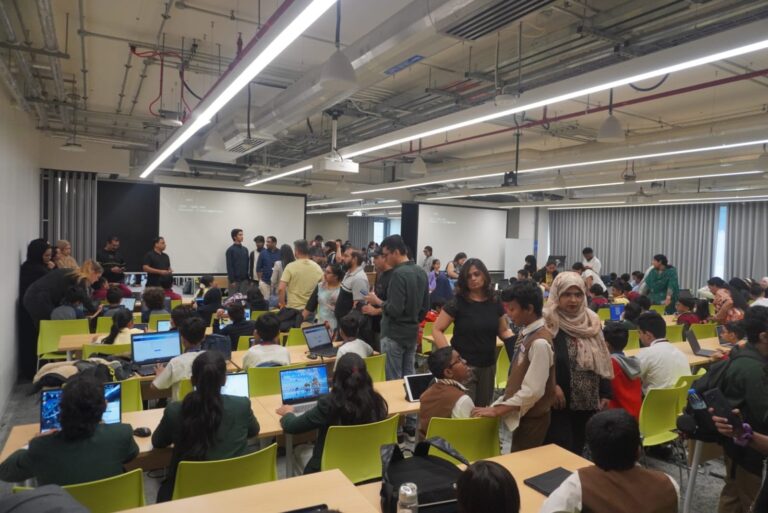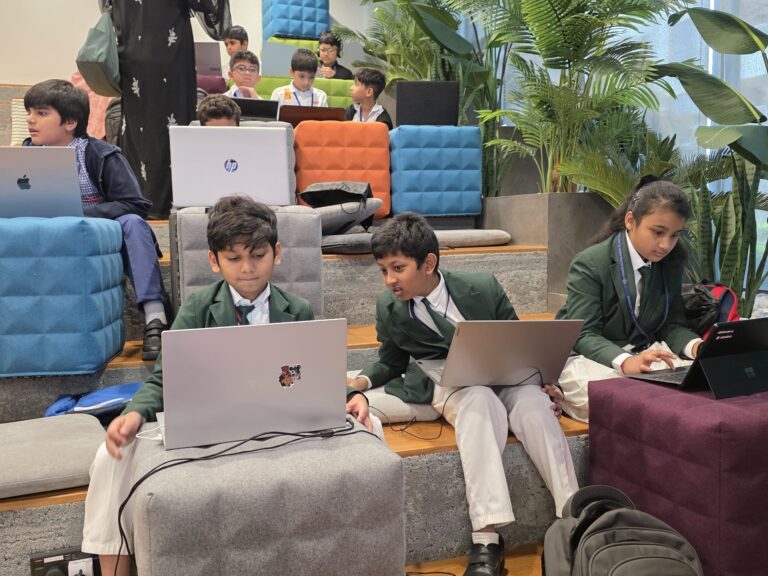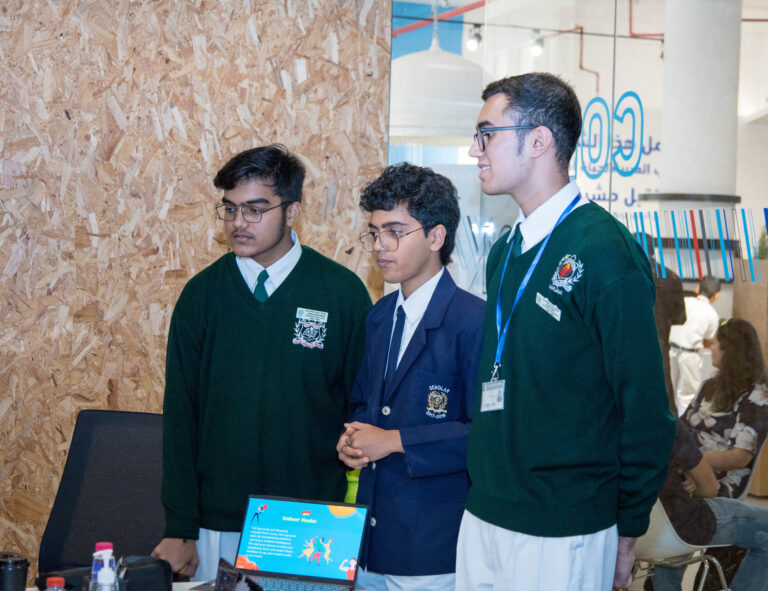
The best coding club ideas for schools are short build challenges, bug hunts, game jams and regular mini-hackathons, where students make something finished in a fixed time and show it to others. Clubs that only follow tutorials tend to fade by mid-term. Clubs that build and present every few weeks keep their members.
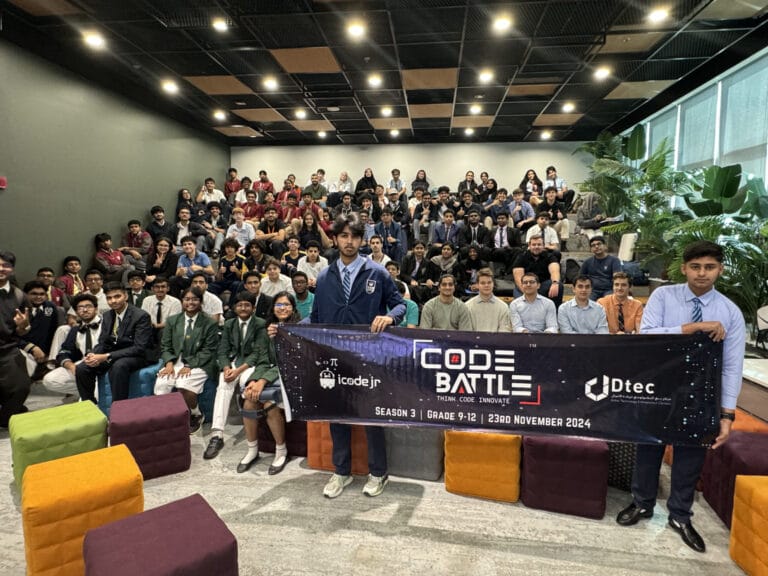
We run Code Battle, the UAE’s free inter-school hackathon, and many of the strongest teams we see started in a school coding club. This guide gives you activities, a 12-week term plan, a way to turn the club into a competition team, and ideas for CS Education Week and Hour of AI (7–13 December 2026).
What activities work in a school coding club?
Mix activities that teach a skill with ones that test it under a little pressure. Here are the ones we’d put in any club, whatever the age group:
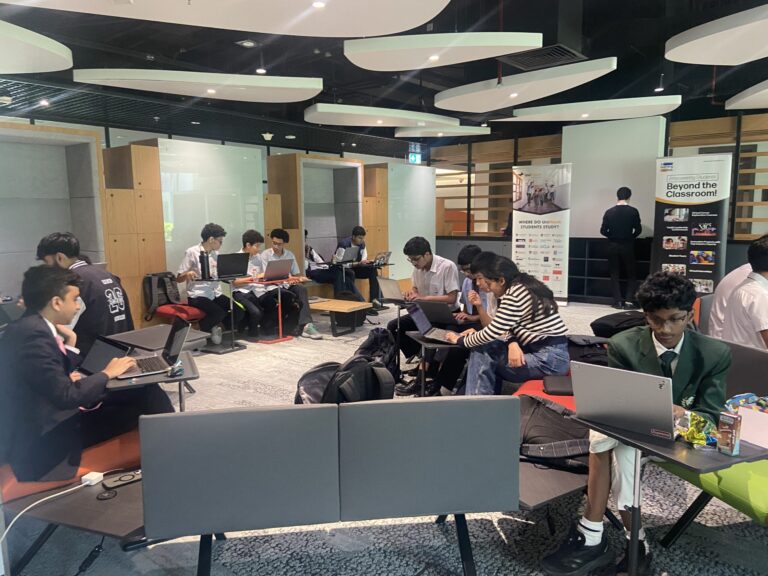
- Theme sprints: reveal a one-line theme, give teams 30–45 minutes to build something, then a one-minute demo each. This is the closest thing to a real hackathon and students love it.
- Bug hunts: share a broken project and challenge pairs to find and fix every bug. Great for teaching testing and patience.
- Rebuild from blank: play a simple game, discuss how it works, then rebuild it from an empty project without looking at the original code.
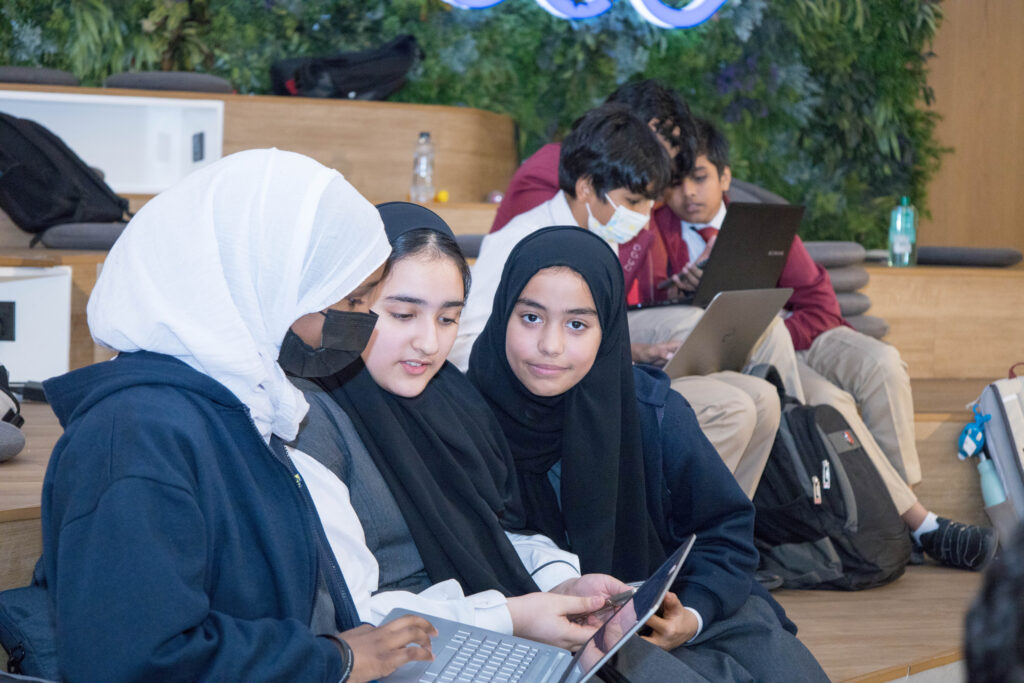
- Pair programming: one student types, the other reads and suggests, and they swap at regular intervals. It quietly teaches teamwork.
- Design critique: swap projects with another pair and play each other’s. Can a stranger work out what to do without being told?
- Pitch practice: every project gets presented, even if it’s 30 seconds. Confidence comes from repetition.
- AI with a log: where your school’s policy allows it, let older students use an AI tool, but ask them to note what they asked, what came back and what they changed.
- Show-and-tell day: invite another class, or parents, to try the projects at the end of term.
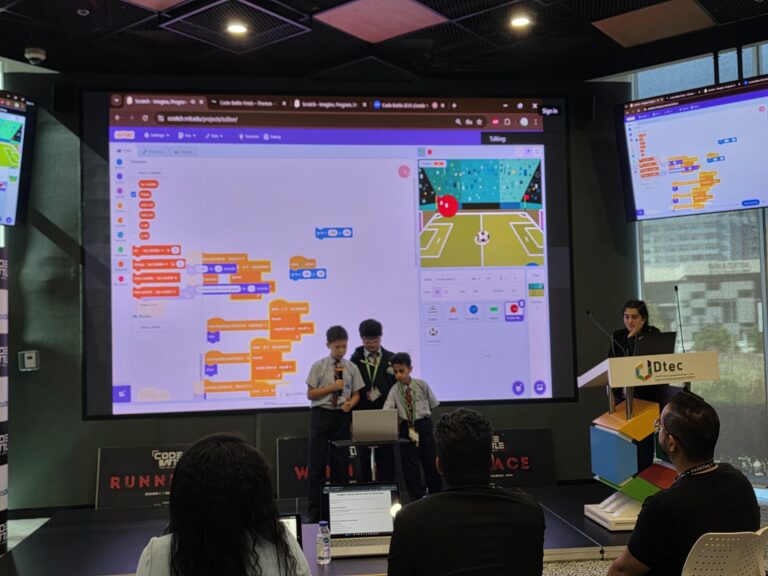
If you’re running a mixed-age club, split it the way Code Battle divisions work: Grades 1–4 on block-based tools such as Scratch or Code.org, Grades 5–8 on block or text-based code, and Grades 9–12 on any language. Older students make excellent mentors for the younger group. For Scratch-specific activities, our Scratch competition ideas post has a list you can use straight away.
What does a coding club term plan look like?
Here’s a 12-week plan for a weekly club of about an hour. It moves from skills to small builds to a full mock hackathon, and it fits block-based or text-based groups.
| Week | Focus | Activity |
|---|---|---|
| 1 | Kick-off | Set up accounts and devices. Each student builds one tiny thing and shows it. |
| 2 | Core skills | Events, loops and conditions. Build a character that reacts to keys or clicks. |
| 3 | Variables | Add a score and a timer. Build a catch game or a short quiz. |
| 4 | Debugging | Bug hunt on a broken project. Talk about how you find a bug as well as how you fix it. |
| 5 | User interface | Start screens, instructions, readable text and buttons. Swap and test each other’s work. |
| 6 | Theme sprint 1 | 45-minute build on a surprise theme, then one-minute demos. |
| 7 | Feedback | Score week 6 projects with a simple rubric and improve the weakest area. |
| 8 | Teamwork | Form teams of 2–3 with roles: builder, designer and presenter. Pair programming practice. |
| 9 | Pitching | Write and rehearse a two-minute pitch with a live demo. Practise answering questions. |
| 10 | AI and ethics | Try an AI tool with a log of how it was used, then explain it to the group. |
| 11 | Mock hackathon | A full two-hour build on a surprise theme. This may need a longer session or an after-school slot. |
| 12 | Showcase | Present to parents or another class. Pick the teams for competition season. |
For weeks 7 and 11, our hackathon judging criteria post includes a free 1–5 rubric built on the five areas Code Battle judges: code, user interface, creativity, teamwork and presentation. Students take feedback better when the scoring is out in the open.
A teacher who brought a team to our Sharjah chapter described what the experience did for their students:
Code Battle gave students a great platform to showcase their skills and build confidence in their abilities. Seeing them take on challenges, experiment with ideas, and learn along the way was incredibly rewarding.
— Biya James, Teacher, Leaders Private School
That kind of confidence is what a club can build week by week, long before any competition.
How do you turn a coding club into a Code Battle team?
Code Battle teams have two or three students from the same school, competing in their grade’s division. Because of venue capacity, we usually allow up to two teams per school per division. Limits can change each season and are confirmed when registration opens, so you may need to choose.
- Pick balanced teams, not just the fastest coders. Judges score teamwork and presentation as well as code, so a team with a strong builder, a careful designer and a confident presenter often does better than three programmers.
- Use the mock hackathon as your trial. Watch who plans, who stays calm and who helps others when things break.
- Practise the real schedule. At Code Battle the theme is revealed at 10:15, coding runs from 10:30 to 12:30, and pitches start at 1:00. Run at least one practice on that clock.
- Build from blank every time. Projects must be built entirely on-site, recycled code must be disclosed, and AI use has to be explained.
- Check laptops early. Teams bring their own laptops and chargers. Wi-Fi and water are provided on the day.
Students who aren’t picked still have a role. They can help run practice rounds, test the team’s projects and come to watch. Our guide on how to prepare for a hackathon is a good read for the whole club.
Dates for the next season are posted on upcoming events, and schools can register interest any time through the school registration form. Keep an eye on upcoming events for dates. Code Battle is free for schools and students.
How can your club take part in CS Education Week and Hour of AI?
CS Education Week runs from 7 to 13 December 2026, and the Hour of Code is becoming the “Hour of AI”. In the UAE it falls in the last week before winter break, which starts on 14 December, so it’s a natural end-of-term moment for a club.
- Have club members run an hour-long coding or AI session for a younger class.
- Hold a lunchtime theme sprint open to the whole school, with club members as helpers.
- Use your week 12 showcase as the school’s CS Education Week event.
- Ask older students to present how they used an AI tool in a project, and what it got wrong.
If you want to go further and run a full school hackathon, our teacher’s planning kit covers an eight-week timeline, rules, roles and a checklist.
Another teacher from the Sharjah chapter summed up why this is worth the effort:
Code Battle is a great initiative for developing the skills students will need for the future. It encourages logical thinking, creativity, problem-solving, teamwork, and confidence with technology in a very engaging format.
— Rachel Thomas, Teacher, Progressive English School, Sharjah
Frequently asked questions
What should a school coding club do each week?
Mix a short skill lesson with a build challenge, and end with students showing what they made. Every few weeks, run a timed theme sprint so students practise finishing something under pressure.
How many students can a school enter into Code Battle?
Teams have two or three students. Schools can usually enter up to two teams per division, though limits can change each season and are confirmed when registration opens.
When is CS Education Week 2026?
CS Education Week runs from 7 to 13 December 2026, when the Hour of Code becomes the Hour of AI. In the UAE it falls just before winter break begins on 14 December.
Do coding club members need to know a text language for Code Battle?
No. Grades 1–4 compete with block-based tools, Grades 5–8 can use block or text-based code, and Grades 9–12 can use any language or platform.