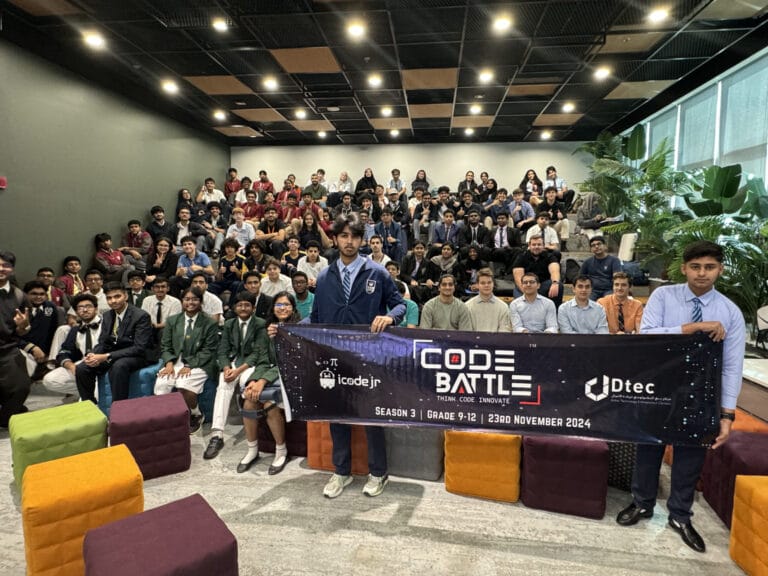
Most hackathons judge projects on five things: whether the code works, whether the interface is easy to use, how creative the idea is, how well the team worked together and how clearly they presented it. At Code Battle, the UAE’s free inter-school hackathon, those are exactly our five criteria, and in 2022 and 2023 each one carried 20% of the score.
Below we explain how scoring works on the day, share a free rubric you can reuse at your own school, and give some honest advice for anyone who has been asked to judge a student hackathon for the first time.
What are the judging criteria for hackathons?
Every event writes its own scoresheet, but the same ideas come up again and again. Some events add impact or business potential. Student events usually keep it simpler.
Code Battle uses five criteria across all three divisions:
- Code: does the project work, and is it built in a sensible way for the team’s age and platform?
- User interface: can someone who has never seen it figure out what to do?
- Creativity: is the idea original, and does it answer the theme revealed that morning?
- Teamwork: did every member contribute, and can each of them talk about their part?
- Presentation: does the 2–3 minute pitch explain the problem, show a live demo and handle questions well?
When we run hackathons for other organisations through our Hackathon-as-a-Service team, the rubric uses nearly the same wording: creativity, UI/UX, code quality, teamwork and presentation. If you want the background on how a hackathon works in the first place, start with our guide What is a hackathon?
How does Code Battle score projects?
In the 2022 and 2023 seasons, each of the five criteria was weighted equally at 20%. For 2025 we updated the weights after looking at how judging had gone in earlier seasons. We’re not publishing the 2025 split here, and it may change again for Season 6, so treat equal weighting as a sensible starting point rather than our current formula.
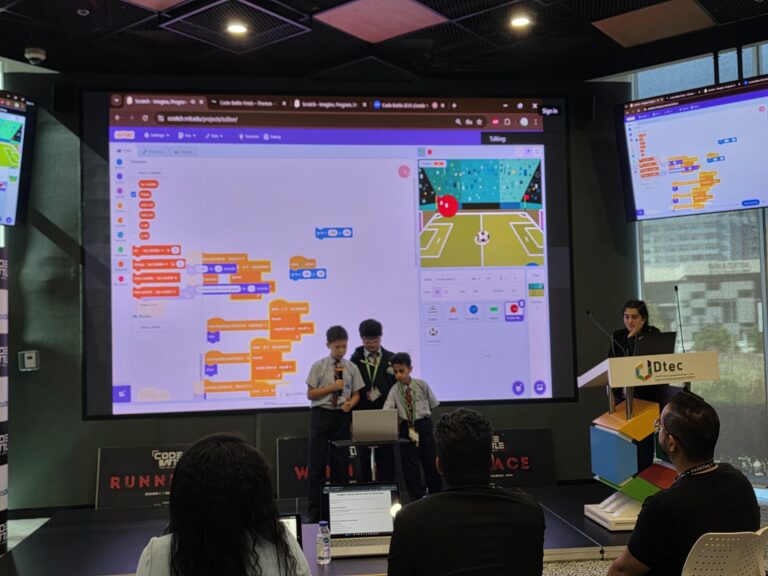
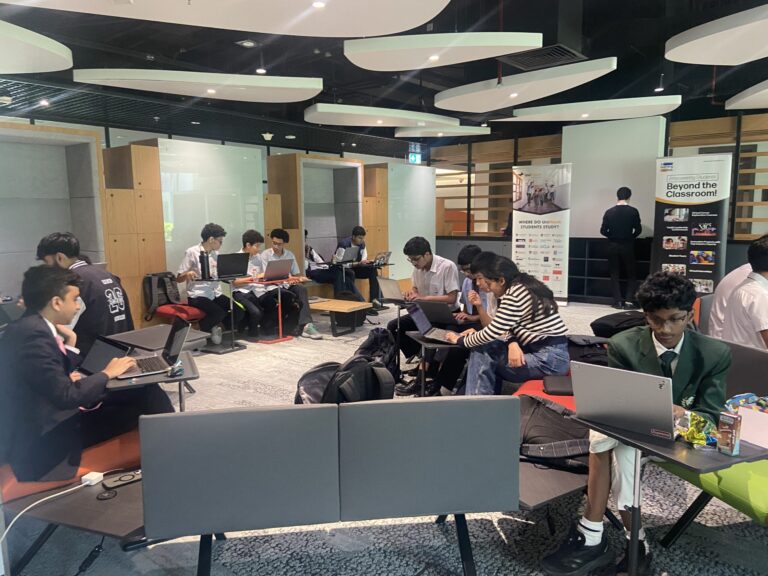
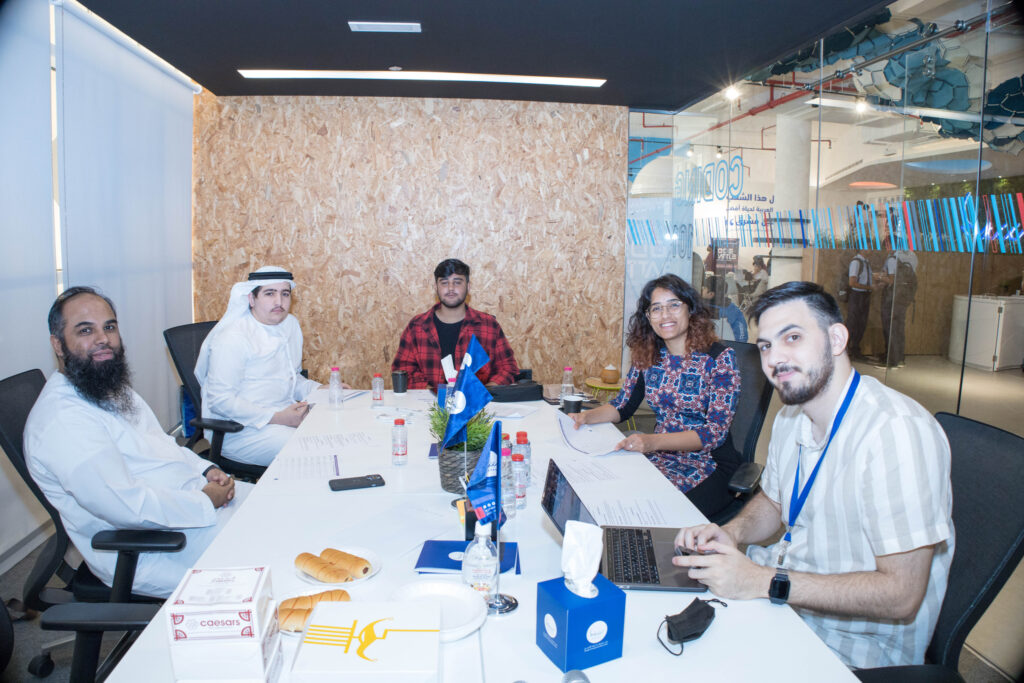
Scoring happens after the build window closes. Coding runs from 10:30 to 12:30, and presentations start at 1:00. Each team pitches for 2–3 minutes, ideally with a live demo, then answers questions from the judges. Our judges are industry professionals and academics. In 2025 the panel included Dr Judhi Prasetyo of Middlesex University Dubai.
Teams are only ever compared with teams in their own division. A Cadet team building in Scratch is not up against a Colonel team writing Python. You can see how close the final scores were in the full 2025 rankings: in the Captain division, first and third place were separated by three points.
Two rules feed into scoring. Projects must be built entirely on-site, with any recycled code disclosed, and students who use AI must be able to explain how. A team that can’t explain its own code will struggle on two criteria, however polished it looks.
A free hackathon judging rubric you can reuse
This is our own practical rubric, built on Code Battle’s five criteria. It isn’t the official Code Battle scoresheet. Score each criterion from 1 to 5. Use 2 and 4 when a team sits between two descriptors.
| Criterion | What judges look for | 1: Getting started | 3: Solid | 5: Outstanding |
|---|---|---|---|---|
| Code | It runs. The logic makes sense for the platform. The team understands it. | Doesn’t run, or only runs with help. The team can’t say how it works. | The main feature works, with a bug or two. The team can explain most of the code. | Runs reliably in the live demo. Logic is tidy for the division. Any member can explain a part of it. |
| User interface | A first-time user knows what to do without being told. | Unclear what to click. Text is hard to read or the screen is cluttered. | Usable after a quick explanation. Layout is mostly consistent. | Clear instructions, sensible colours and readable text. The user gets feedback when they act. |
| Creativity | An original idea that genuinely answers the theme. | A generic project with the theme added at the end. | A sensible idea that fits the theme, with some original touches. | A fresh angle on the theme that stands out from the room. The idea and the build match. |
| Teamwork | Everyone built something and can talk about it. | One person did nearly everything. Others can’t describe their part. | Roles were split, but unevenly. Most members can explain their part. | Clear roles. Every member contributed and the team backs each other up in Q&A. |
| Presentation | Problem, solution, demo and answers, inside the time limit. | Runs well over time or skips the demo. Questions go unanswered. | Covers the idea and shows the demo. Some answers are vague. | Finishes on time, demo works, it’s clear who the project is for, and answers are confident and honest. |
How to turn rubric scores into a total
With five criteria scored out of 5, the maximum is 25. If you’re using equal weights, as Code Battle did in 2022 and 2023, multiply by 4 to get a score out of 100. If you want to reward something specific, say presentation for a younger group, change the weights before the event and tell the teams. Changing weights after you’ve seen the projects is how arguments start.
Have at least three judges score each team independently, then average. Agree in advance which criterion breaks a tie.
What questions do hackathon judges ask?
The Q&A is where judges check the rubric. A short, honest answer beats a long, rehearsed one. These are the kinds of questions we hear most often:
- Who is this for, and what problem does it solve for them?
- Can you show us the part you’re proudest of?
- What didn’t work, and what did you do about it?
- Who built which part?
- Did you use AI? Show us where, and explain what it gave you.
- If you had another hour, what would you add?
If your students are preparing, our guide on how to pitch a hackathon project has a two-minute script they can practise with.
How do you become a good hackathon judge?
You don’t need to be a professional developer to judge a school hackathon well. You need to be consistent and fair. Here’s what we ask of our own judges:
- Judge against the division, not against adults. A Grade 3 team with a working Scratch game and a clear start button has done well.
- Score before you discuss. Write your own marks first, then compare with the panel. It stops one loud voice from setting everyone’s scores.
- Ask every team member a question. It’s the simplest way to judge teamwork, and quieter students often surprise you.
- Don’t reward polish over function. A plain project that works should beat a beautiful one that crashes during the demo.
- Step aside from teams you know. If your own school or a family member is competing, let another judge score them.
Scoring shouldn’t take the fun out of the day, either. A teacher who brought a team to our Sharjah chapter put it this way:
Code Battle makes coding exciting, relevant, and hands-on for students. The competitive element added energy to the experience while still keeping the focus on learning, creativity, and problem-solving.
— Thahseen Fathima, Teacher, Star Private School, Sharjah
How can students use the rubric to prepare?
Give students the rubric before they practise. It’s not a secret, and it changes how they plan. Teams that read it tend to stop chasing extra features and start testing what they already have.
- Run a practice round: a theme, two hours and a laptop, then a two-minute pitch.
- Ask a colleague to score it with the rubric.
- Fix the lowest score first. It’s usually user interface or teamwork, not code.
Planning a whole event? Our teacher’s guide to organising a hackathon at your school covers the timeline, roles and checklist. When you’re ready to try the real thing, register your school for Code Battle. It’s free for schools and students.
Frequently asked questions
What are the most common hackathon judging criteria?
Most hackathons score whether the project works, how easy it is to use, how original the idea is, how well the team worked together and how clearly it was presented. Some events also judge impact or feasibility.
How are Code Battle projects scored?
Judges score code, user interface, creativity, teamwork and presentation. In 2022 and 2023 each criterion was worth 20%. The weights were updated for 2025.
Can my school use this rubric?
Yes. The rubric in this article is our own practical version built on Code Battle’s five criteria, and schools are welcome to reuse it for class or school hackathons.
Does using AI lower a team’s score?
Not at Code Battle, as long as students can explain how they used it. A team that can’t explain its own project will lose marks on code and presentation.