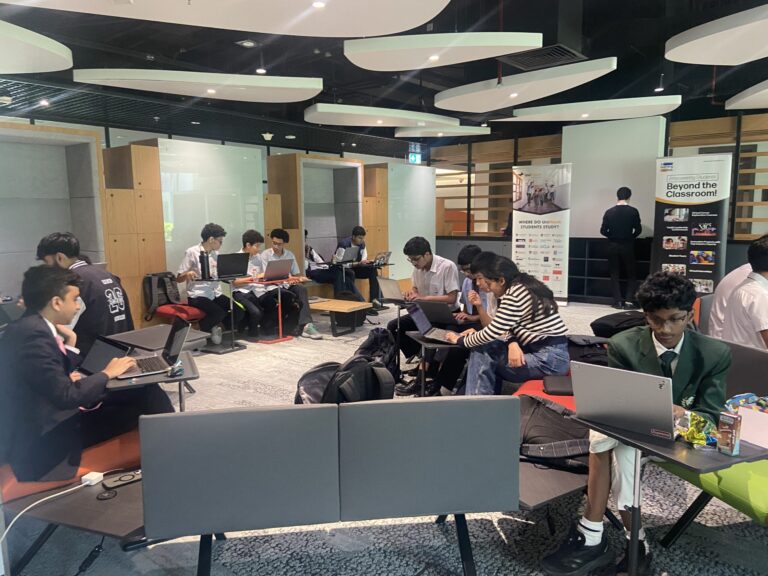
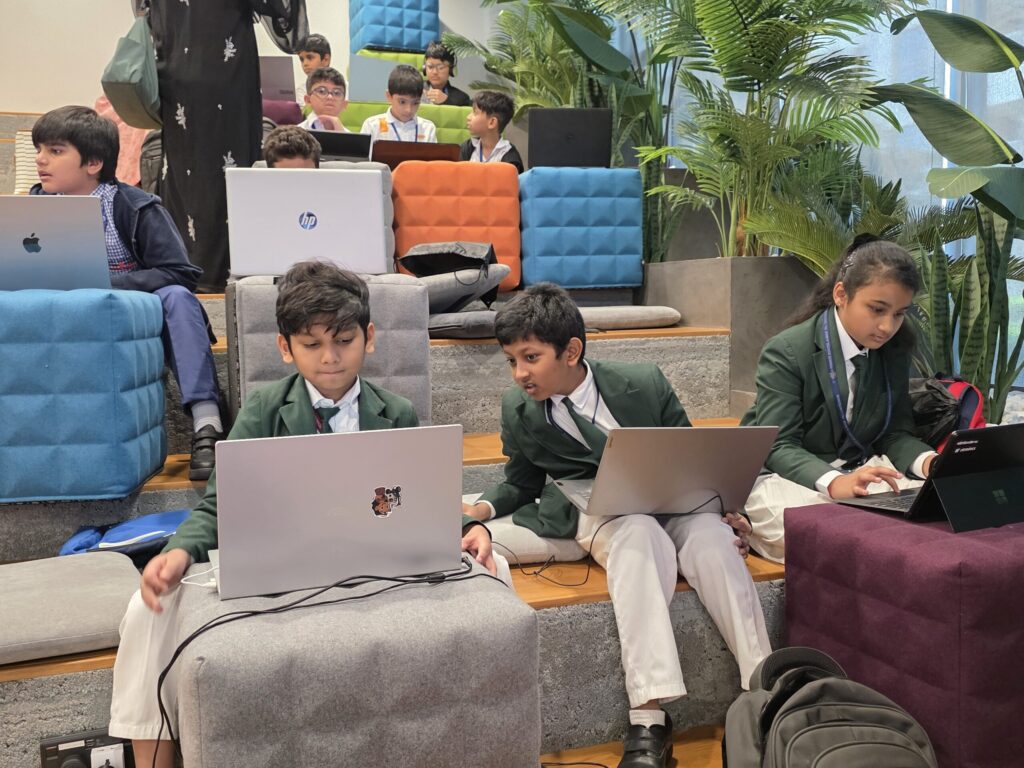
The best Scratch projects for a kids’ competition are small, playable and clearly linked to the theme: a catch game, a maze, a quiz with a friendly guide, or an animated story where the player makes choices. What wins is a project that works every time the green flag is clicked and that the children can explain themselves.
This guide is for parents and teachers of Grades 1–4 preparing for the Cadet division of Code Battle, the UAE’s free inter-school hackathon. It covers project ideas, what judges notice and how young children can practise.
What is a Scratch competition for kids?
Scratch is a free, block-based programming language made by MIT. Children snap coloured blocks together instead of typing code, which makes it ideal for ages where reading and typing are still developing.
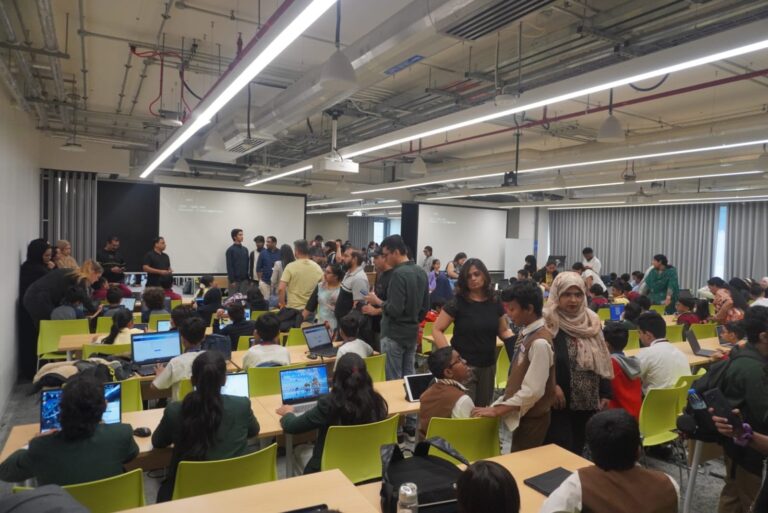
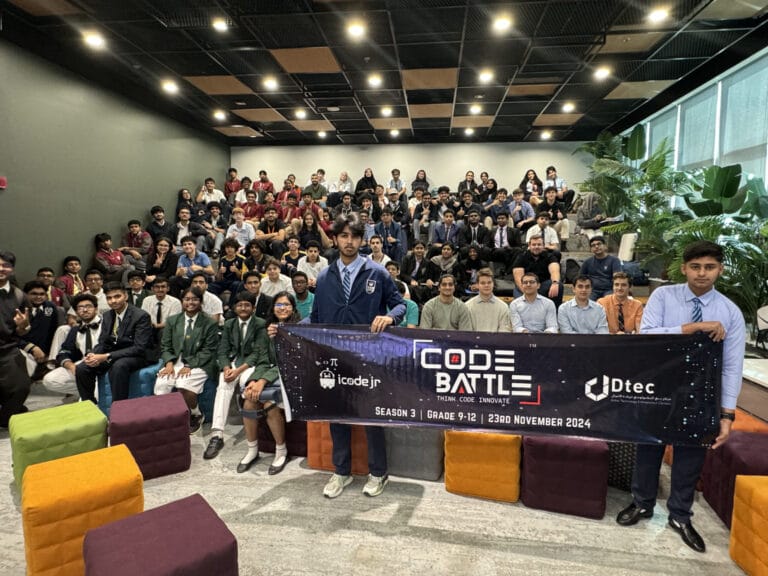
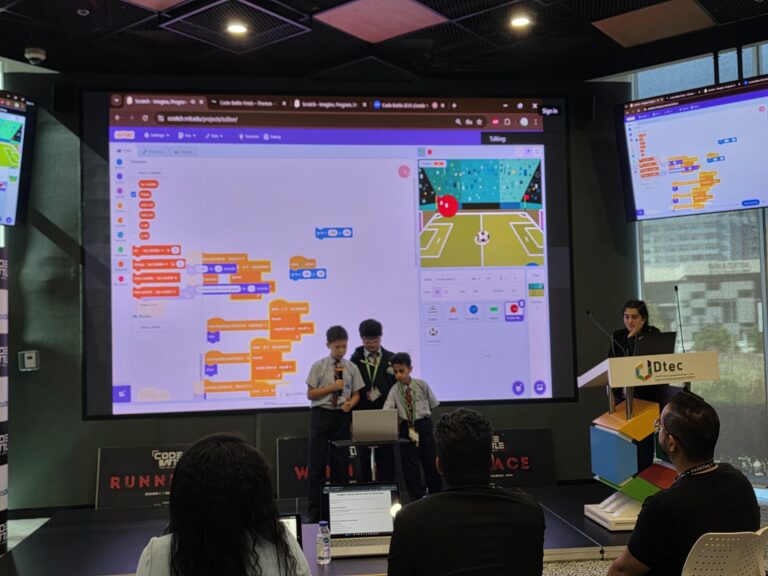
At Code Battle, the Cadet division is for Grades 1–4. Teams of two or three build with block-based tools such as Scratch, Code.org or Thunkable. The theme is revealed at 10:15, coding runs from 10:30 to 12:30, and from 1:00 each team gives a 2–3 minute pitch to the judges, ideally with a live demo. If the hackathon format is new to you, read What is a hackathon? first.
What are good Scratch project ideas?
Good competition ideas have one simple goal the player understands in a few seconds. They also bend easily to fit whatever theme is revealed on the day.
Ideas that fit almost any theme
- Catch game: objects fall from the top and the player moves a sprite to catch them. Add a score variable and a timer.
- Maze: steer a character with the arrow keys to a goal without touching the walls. Two levels is plenty.
- Quiz with a host: a character asks questions about the theme and reacts to right and wrong answers.
- Choose-your-path story: an animated scene where the player clicks to pick what happens next.
- Virtual pet: feed, play with and look after a character whose mood changes.
- Sorting game: drag items into the right box, such as recycling into bins.
- Sound board or music maker: click sprites to play notes or sounds the team recorded.
- Build-a-character: click to change a costume, hat or colour, then show the finished design.
Practise with real Code Battle Cadet themes
Recent Cadet themes at Code Battle have included “The Great Gadget Adventure” and “Adventure on Mystery Island”. The real theme is always a surprise, but past themes make great practice prompts. Here’s how the ideas above could fit them:
| Practice theme | Project idea | Main Scratch skills |
|---|---|---|
| The Great Gadget Adventure | Invent a gadget and show what each button does when clicked | Events, costumes, sounds |
| The Great Gadget Adventure | Catch the falling gadget parts to build a robot | Motion, variables, random numbers |
| The Great Gadget Adventure | A helper robot quiz about everyday machines | Ask and answer, if/else |
| Adventure on Mystery Island | Treasure map maze with a pirate character | Arrow keys, touching colour, levels |
| Adventure on Mystery Island | Story where the player chooses which path to explore | Broadcasts, backdrops |
| Adventure on Mystery Island | Collect shells before the tide timer runs out | Timer, score, clones (for older Cadets) |
For ideas for older students too, see our hackathon project ideas for students, sorted by grade.
What makes a Scratch project stand out to judges?
Code Battle judges score five areas: code, user interface, creativity, teamwork and presentation. Here’s what that looks like for a Scratch project made by six to nine-year-olds.
- It resets properly. The most common Cadet bug we see is a game that works once, then starts with sprites in the wrong place. Every sprite needs a “when green flag clicked” script that sets its position, costume and score.
- It explains itself. A start screen with one line of instructions, or a sprite that says “Use the arrow keys”, helps the judge play it without asking.
- It looks like theirs. Sprites drawn in the paint editor and sounds recorded by the children stand out more than library characters, even if the drawing is wobbly.
- Everyone can point to their part. Judges often ask each child what they made. “I drew the island and made the parrot talk” is a great answer.
- The demo is rehearsed. Know who clicks the green flag and what the judges should see in the first ten seconds.
We’ve shared the full scoring approach and a reusable rubric in Hackathon judging criteria. It’s worth reading with the team, in simple words, before the day.
A teacher who brought a team to our Sharjah chapter summed up why this age group gets so much from it:
Code Battle by iCodeJr is a valuable initiative that gives young learners an opportunity to develop their coding and problem-solving skills in a fun and inspiring environment. I would highly recommend experiences like this for students who are interested in technology and innovation.
— Vivek Cheroor, Teacher, GEMS Millennium School, Sharjah
How should Grades 1–4 practise for a Scratch competition?
Short, regular sessions beat one long cram. Young children tire quickly, so build up to a full two-hour practice gradually.
- Learn the core blocks. Green flag and click events, move and glide, say and switch costume, play sound, forever, repeat, if, and one variable for score.
- Build from a blank project. At Code Battle, projects are built entirely on-site and recycled code must be disclosed. Remixing at home is a fine way to learn, but practice runs should start from nothing.
- Give each child a job. One builds the main sprite, one draws backdrops and sounds, and everyone helps test. In a team of two, share the drawing.
- Do short timed builds. Give a practice theme and a short time limit, then lengthen it each week until the team can manage a full two hours.
- Practise the pitch out loud. Each child says one or two sentences: what the project is, who it’s for, and what they built.
- Test on the laptop they’ll bring. Teams bring their own laptops and chargers. Make sure Scratch opens, the trackpad or mouse works, and the children know how to save.
Keep it playful. The children who enjoy the practice are the ones who stay calm when something breaks on the day. Another teacher from the same chapter saw the same thing:
Code Battle brought out the creativity in our students. It gave them the freedom to explore ideas, think differently, and use technology to create solutions of their own.
— Dhanya Ravindran, Teacher, Crown Private School
How can adults help without taking over?
Ask questions instead of giving answers. “What should happen when the cat touches the fish?” teaches more than fixing the block yourself. During practice, sit on your hands, and let the project look like a child made it, because a child did.
On the day, teachers may accompany their teams and parents are welcome to stay and watch, but the build is the children’s. For more on what young children can expect, see Hackathon for kids. You can also see which Cadet teams placed last season on the Code Battle 2025 page.
Ready to enter? Schools register teams through the school registration form, and parents can register a team if all the children are from the same school. Code Battle is free for schools and students.
Frequently asked questions
Is Scratch good for a kids’ coding competition?
Yes. Scratch is free and block-based, so young children can build games and stories without typing code. At Code Battle, Cadet teams in Grades 1–4 use Scratch or similar block-based tools.
What age is the Code Battle Cadet division for?
The Cadet division is for Grades 1–4. Teams have two or three students and build with block-based tools such as Scratch, Code.org or Thunkable.
Can children bring a Scratch project they made at home?
No. At Code Battle projects must be built entirely on-site after the theme is revealed, and any recycled code must be disclosed.
What is the easiest Scratch project for a competition?
A catch game or a simple maze is a good starting point. Both have one clear goal, are quick to build and can be adapted to most themes.